




Battery-free Wireless Dome Button

For quotation requests or technical information, please contact us by e-mail. To visit us, see the address information page.
| Downloads: | Key Configurator 2.13 |
| Pawn Toolkit 1.0 | |
| USBHID SDK 1.7 |
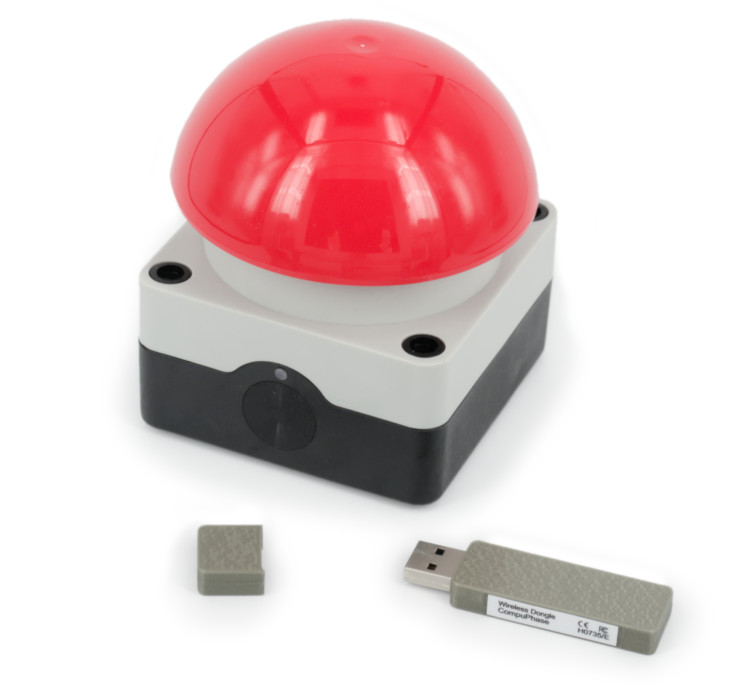
The ‘Battery-free Wireless Dome Button’ is a palm switch with a large mushroom dome. The Wireless Button connects to a workstation or PC via a USB receiver module, in the form of a ‘dongle’.
The Battery-free button has an energy harvesting generator, which generates electrical power from the mechanical button press. As a result, the battery-free button does not require any power source, unlike our ‘Wireless Dome Button, model H0731’. The advantage is clear: there is no need to ever replace or recharge the battery.
The dome is available in several colours.
The USB interface (dongle) is recognized by the PC as a ‘keyboard’. Microsoft Windows (and other operating systems) have intrinsic support for USB keyboards. No driver is needed (on tablets with a USB ‘On-The-Go’ connection, an adapter-cable is needed). A software utility allows you to define which key (or key sequence) is transmitted to the workstation on a button press.

Features
The Battery-free Wireless Dome Button is a robust and splash-proof ‘emergency switch’-style button, for indoor and outdoor use. It transmits on the license-free ISM band of 868 MHz (Europe) and 915 MHz (USA, Canada, Australia/New Zealand).
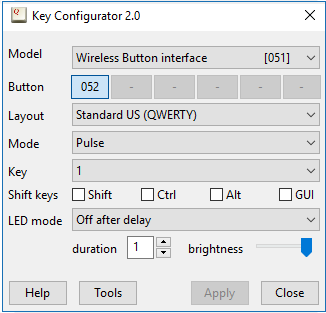
As mentioned above, the PC or workstation recognizes the USB interface as a keyboard. Each connected wireless button is then configured to transmit a key combination (or a key sequence) to the PC. There is a free configuration utility for this purpose, see the Downloads section.
In addition to standard keys, that utility also allows you to configure a few extended functions, such as to function as a ‘play/pause’ button on a remote control, or as a mouse button. You can also configure a button to transmit a sequence of key strokes to the PC, including key combinations with ‘Alt’, ‘Ctrl’ or ‘GUI’ shift modifiers. With a macro, a press on the button can start an application or open a web browser on a specific URL.
Up to six of these buttons can be connected to a single dongle, with each button (typically) configured to transmit a different key code. It is possible to connect multiple dongles to a PC, in case more than six buttons must be handled.
The base of the button has two holes of Ø5.2mm for mounting the button on a table or wall.
Specifications
| Dimensions | Base: 85 × 85 mm, height: 45 mm, dome diameter: 94 mm; total height: 101 mm. |
| Colour | Base: black & grey; dome: red, black, green, yellow or white. |
| Mechanical lifetime | > 106 operations |
| Mechanical mounting | Two 5.2mm mounting holes. |
| Operating temperature | -25 °C to +40 °C. |
| Degree of protection | IEC/EN 60529: IP65 |
| Actuation force | 30 N max. |
| USB interface/profile | USB ‘HID’, keyboard profile, configurable key code. |
| Power supply (button) | Kinetic energy harvesting generator. |
| Power supply (dongle) | Powered through the USB connection. |
| Radio frequency | 868 MHz or 915 MHz (depending on model), license-free ISM band. |
| Transmission range | > 30 meters (unobstructed line of sight) |
| Switch latency | 30 ms maximum, 15 ms average. |
Battery-free Button versus Wireless Button
The table below gives a summary of the differences between our battery-powered wireless button, model H0731, and the battery-free button (model H0736).
| Model H0731 | Model H0736 (battery-free) | |
|---|---|---|
| Power source | Lithium-Metal battery (expected life: 5 years) | Kinetic energy harvesting generator |
| Mechanical mounting | 5.2mm mounting holes; 1/4"-20 UNC threaded insert | 5.2mm mounting holes only (no threaded insert) |
| Actuation force | 20 to 25 N | 25 to 30 N |
| Key press modes | Pulse, reliable and macro | Pulse and macro |
| Required dongle | Model H0730 | Model H0735 |
Configuration & software control
Three options are available for configuring the wireless buttons:
- The Key Configurator utility allows you set up basic configurations: key codes, and temporary blocks. This is the simplest option, and suitable for most use cases. The utility is avaiable as a desktop application that you install on your system, or as an on-line (browser-based) tool.
- The pawn scripting engine embedded in the USB dongle allows you to download a user program for the buttons into the dongle. This user program is more flexible than the basic configuration, and it enables you to create custom features or control. The pawn toolkit comes with two environments to develop the code: a standard IDE (in which you type source code) and a visual programming tool.
- When you develop your own desktop software, you can use the low-level SDK to make your software interact more directly with the buttons / dongle.
Accessories and variants
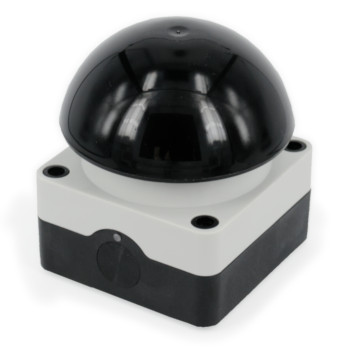
Black Dome Button
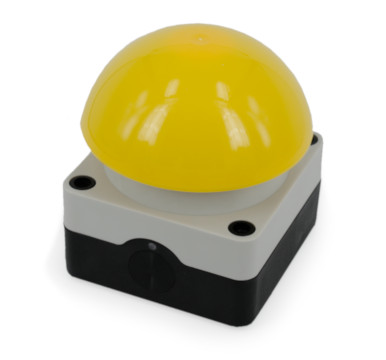
Yellow Dome Button
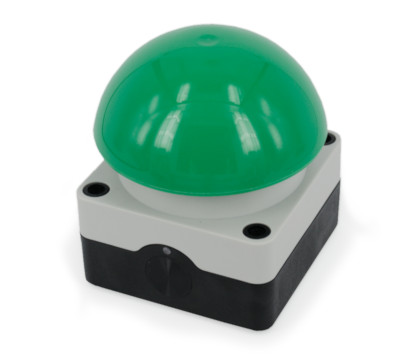
Green Dome Button
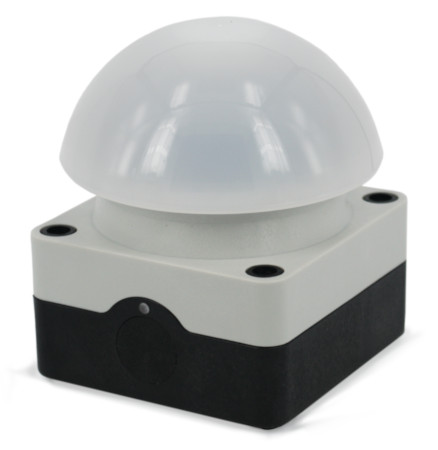
White Dome Button
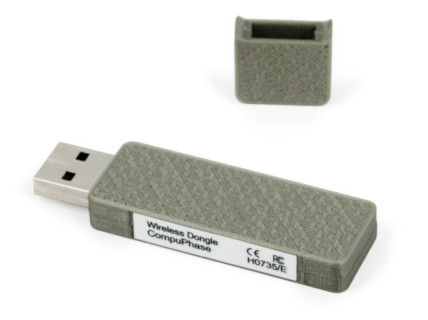
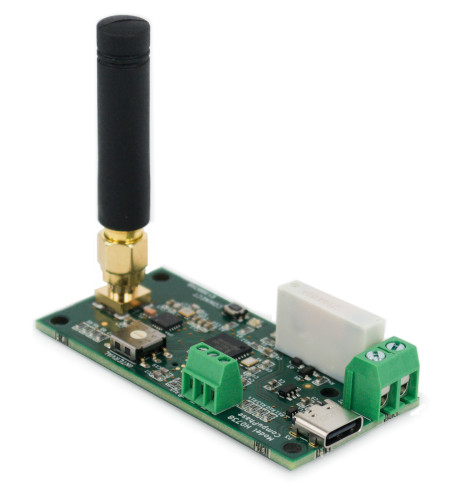
Wireless Button Interface Dongle
For up to 6 wireless buttons.
Downloads
- Key Configurator utility. See also the Usage Guide.
-
Microsoft Windows 
Version 2.13 
Apple macOS 
Version 2.13 Linux 
Version 2.13
- Pawn Scripting
-
Recent releases of the USB & Wireless Buttons (with the exception of the
battery powered wireless buttons) include support for an embedded script. The
script allows for functionality that exceeds what can be configured with the
Key Configurator utility.
See the Application Note on pawn scripting for more information.Microsoft Windows Version Linux Version
- USBHID SDK
-
The Software Development Kit for the ‘usbhid’ devices (which
includes these Battery-free Wireless Dome Buttons). This programmer's library
allows you to query and control the buttons from your own software.
This SDK provides interfaces for C/C++, C# and VB.Net, for 32-bit and 64-bit
software (Linux is 64-bit only). Documentation is included.
Microsoft Windows
Linux
Version 1.7
- Battery-free Wireless Interface Specifications (the dongle).
-
All systems 
PDF file
- Battery-free Wireless Dome Button Specifications (the button).
-
All systems PDF file